

Argo CD is a GitOps tool for Kubernetes used to manage your deployment and operations tasks. The Digital.ai Release and Argo CD integration lets you create and automate ArgoCD deployments. Digital.ai Release’s Argo CD plugin lets you integrate Release with Argo CD to seemlessly manage your continuous delivery tasks/processes. With this plugin, you can Manage Project, Applications, Orchestrate Release, and run your application at scale.
Steps
argocd.ArgoCD: Http connection to ArgoCD server
argocd.StatusWebhookEventSource:
argocd.Task: Base task which can be extended
argocd.listProjects: Lists all the created Argo CD projects
argocd.listRepositories: Lists all the added repository configurations
argocd.addRepository: Adds or updates a repository configuration
argocd.createApplication: Creates an ArgoCD application or updates the application if exists
argocd.syncApplication: Syncs the Argo CD application in the provided Kubernetes cluster
argocd.waitForStatus: Waits for the ArgoCD application to reach to the expected sync and health status
argocd.getRevisionMetadata: Retrieves the application revision metadata based on the revision ID
argocd.getSyncStatus: Gets the sync status of the Argo CD application
argocd.getManifest: Gets the live and desired state manifest file data of an Argo CD application resource
argocd.createProject: Creates an Argo CD project
argocd.clusterSummaryTile: Display the Cluster details summary
argocd.rollbackApplication: Rollback an application in ArgoCD
argocd.deleteApplication: Delete an application in Argo CD
argocd.deleteRepository: Deletes the repository in ArgoCD
argocd.deleteProject: Deletes the ArgoCD project
argocd.applicationDetails: Gets the details of the Argo CD application
argocd.checkIfApplicationExists: Checks if the ArgoCD application already exists
argocd.getRepositoryDetails: Gets the details of the ArgoCD repository
argocd.getVersionCommand: Gets the version of the ArgoCD application
argocd.getApplications: Lists all ArgoCD applications
argocd.getProjectDetails: Get details of a project in Argo CD
Reference Images
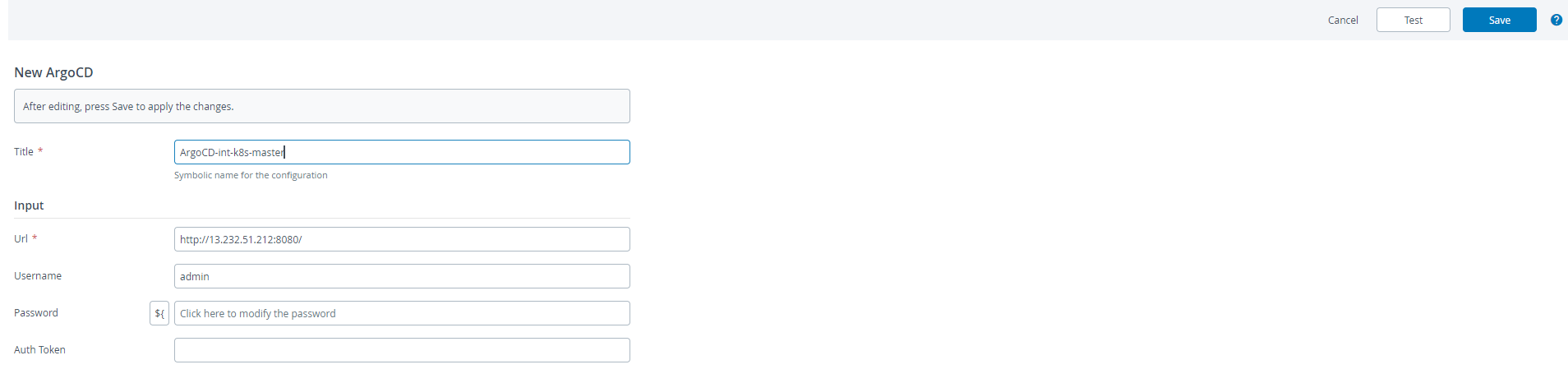
Set up a connection to the ArgoCD Server
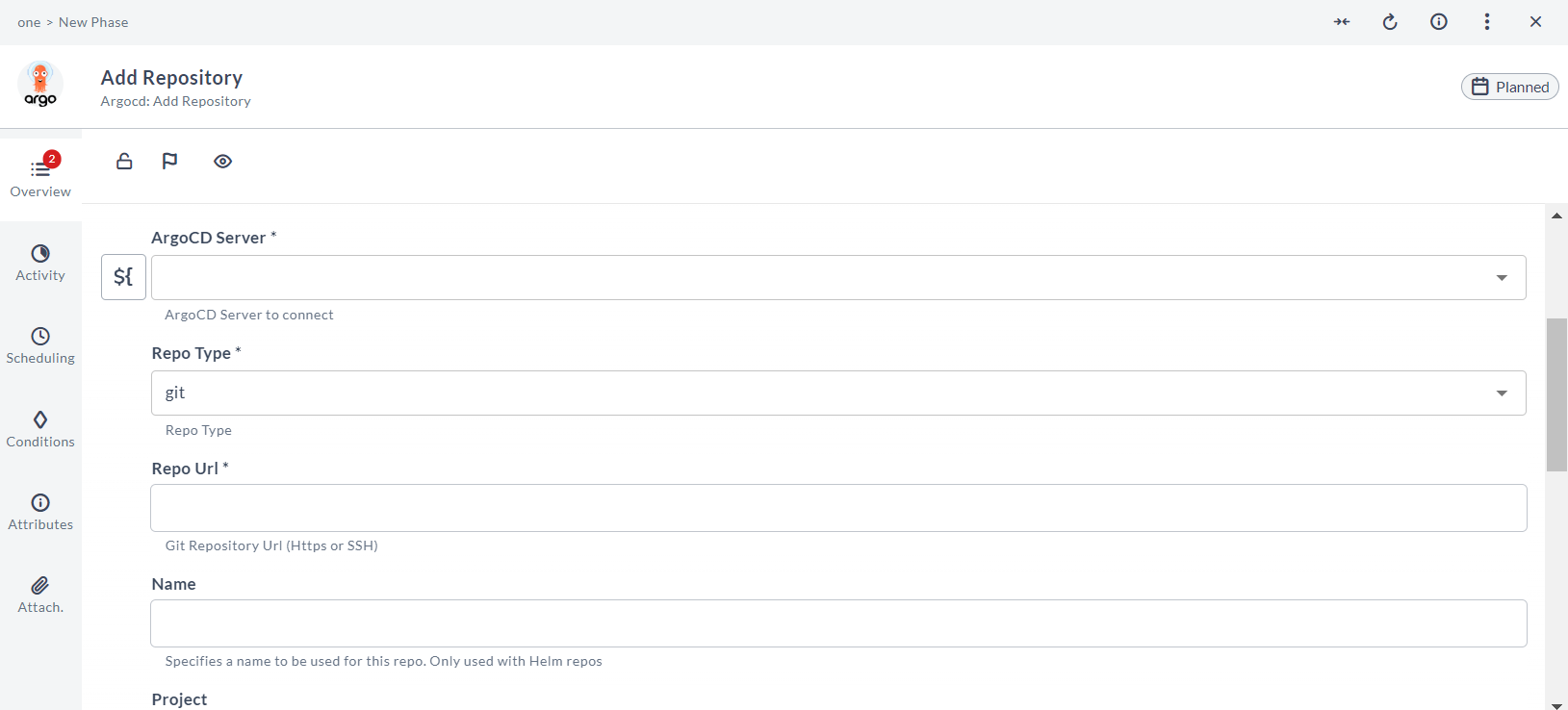
Add a git repository connection to ArgoCD
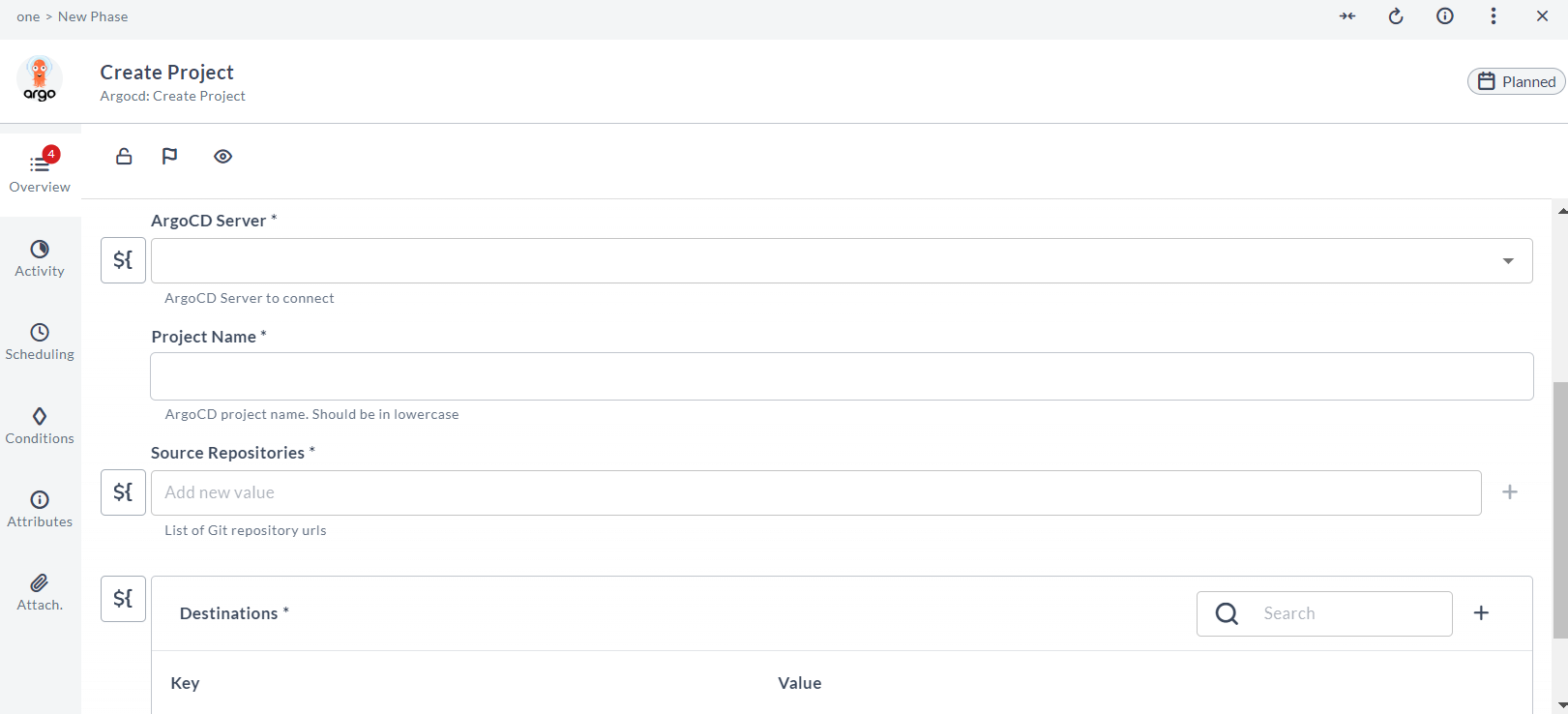
Create an ArgoCD Project
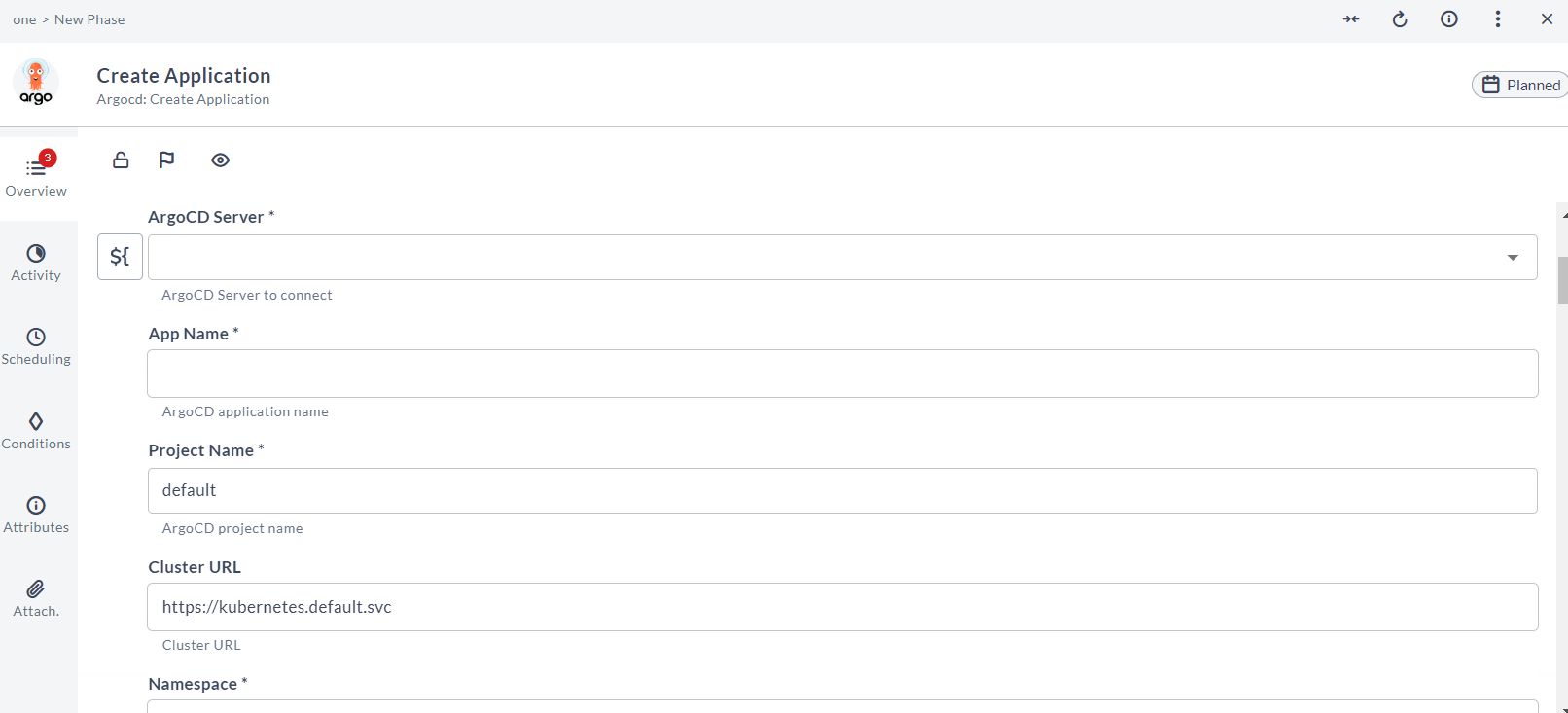
Create an ArgoCD application
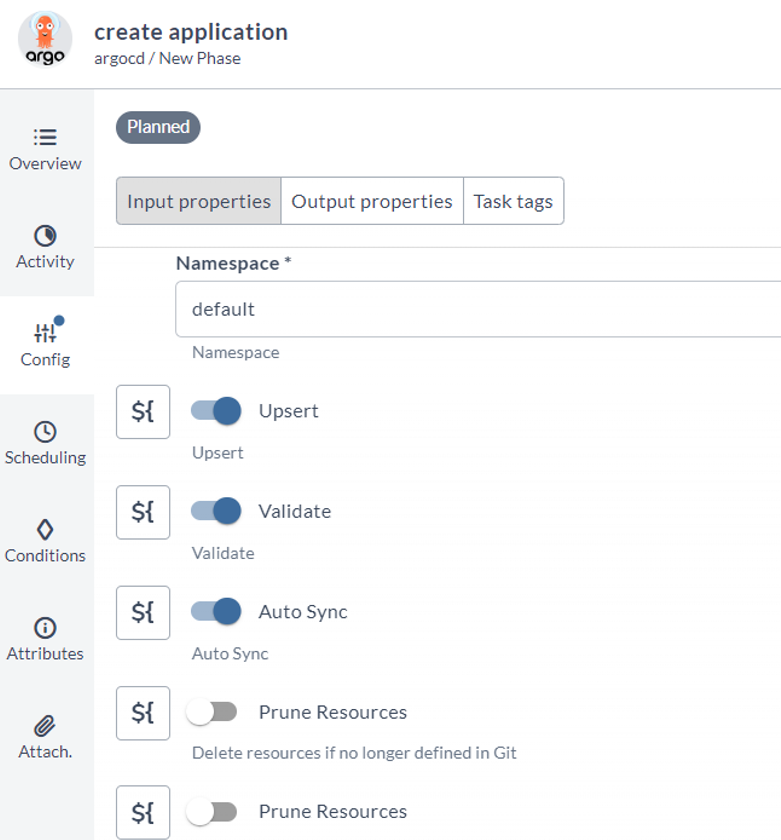
Create Application with upset and validate options
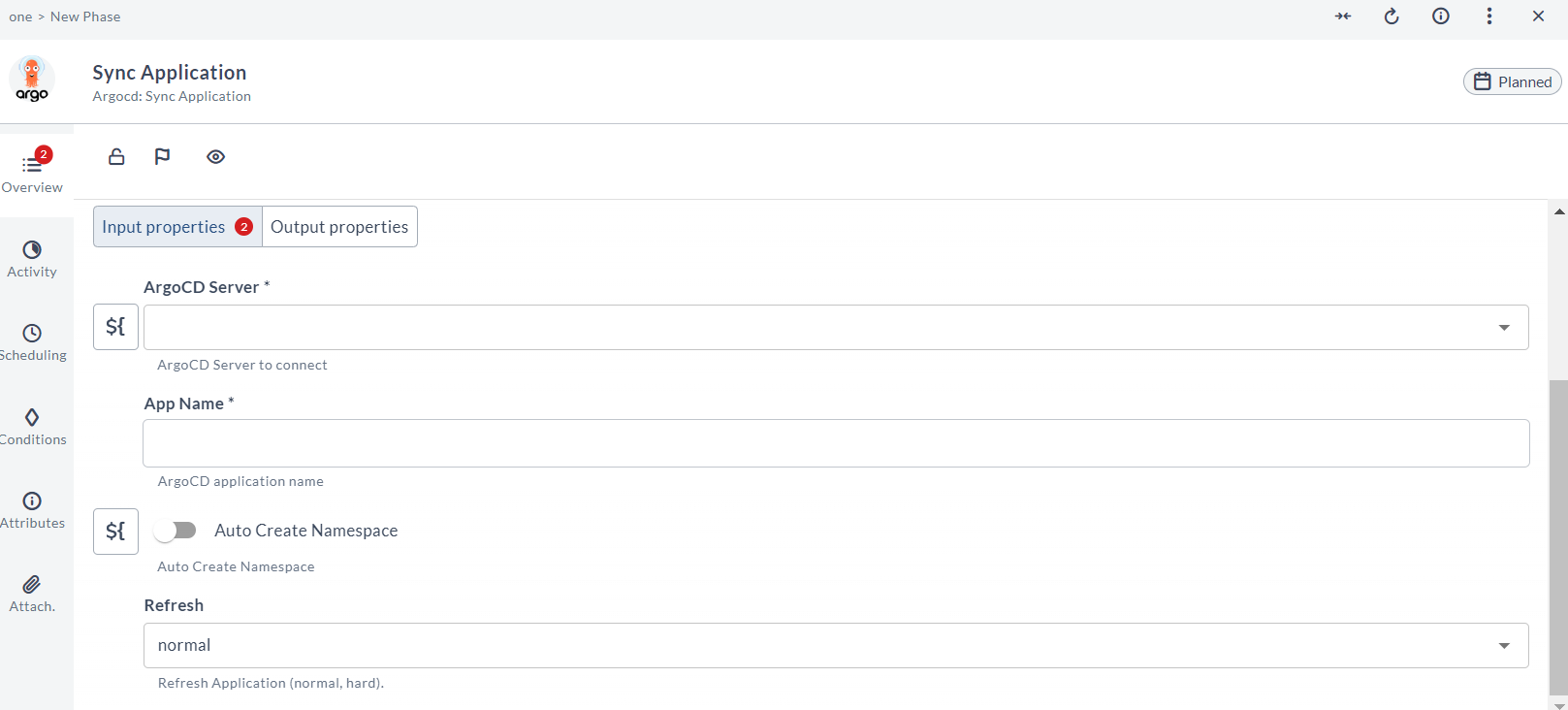
Sync an ArgoCD application
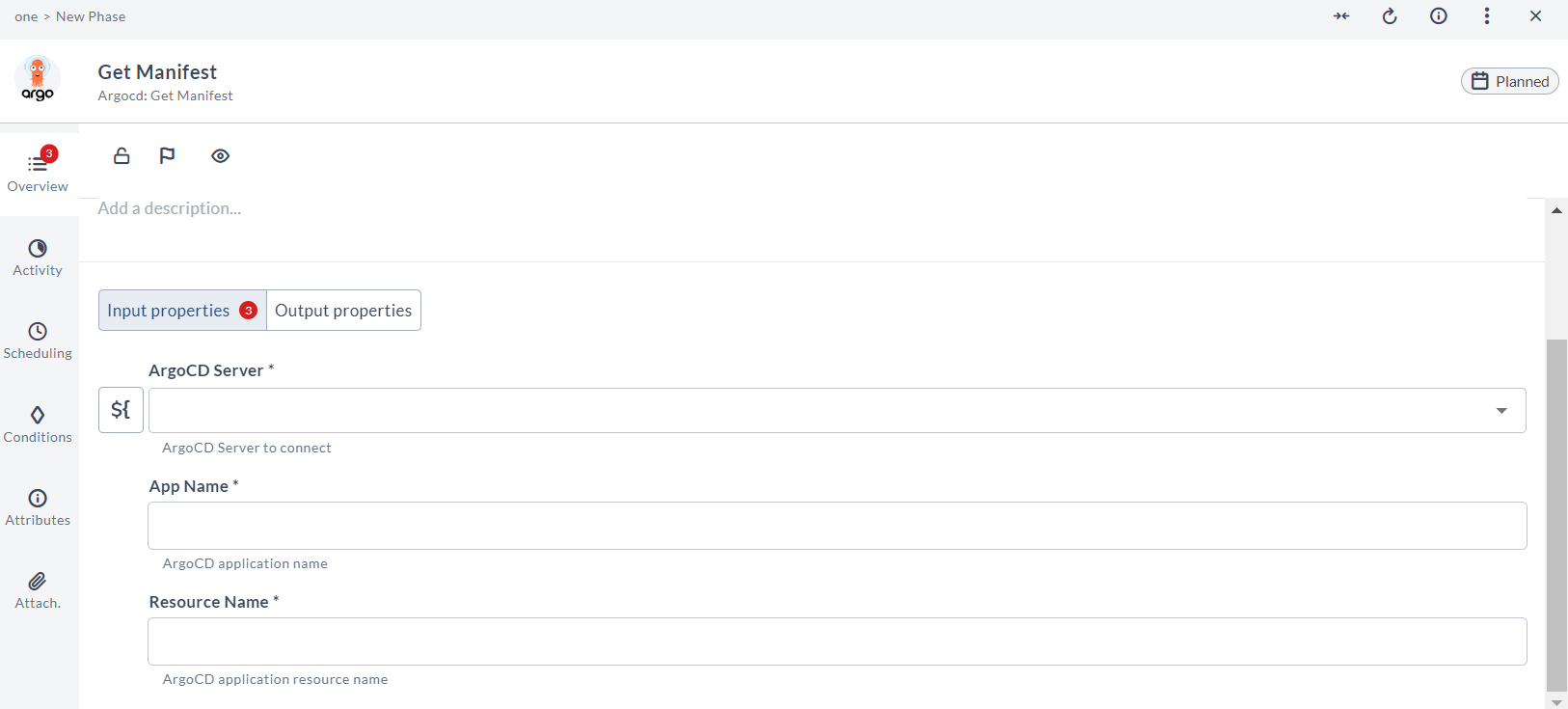
Get the live and desired manifest of an ArgoCD resource
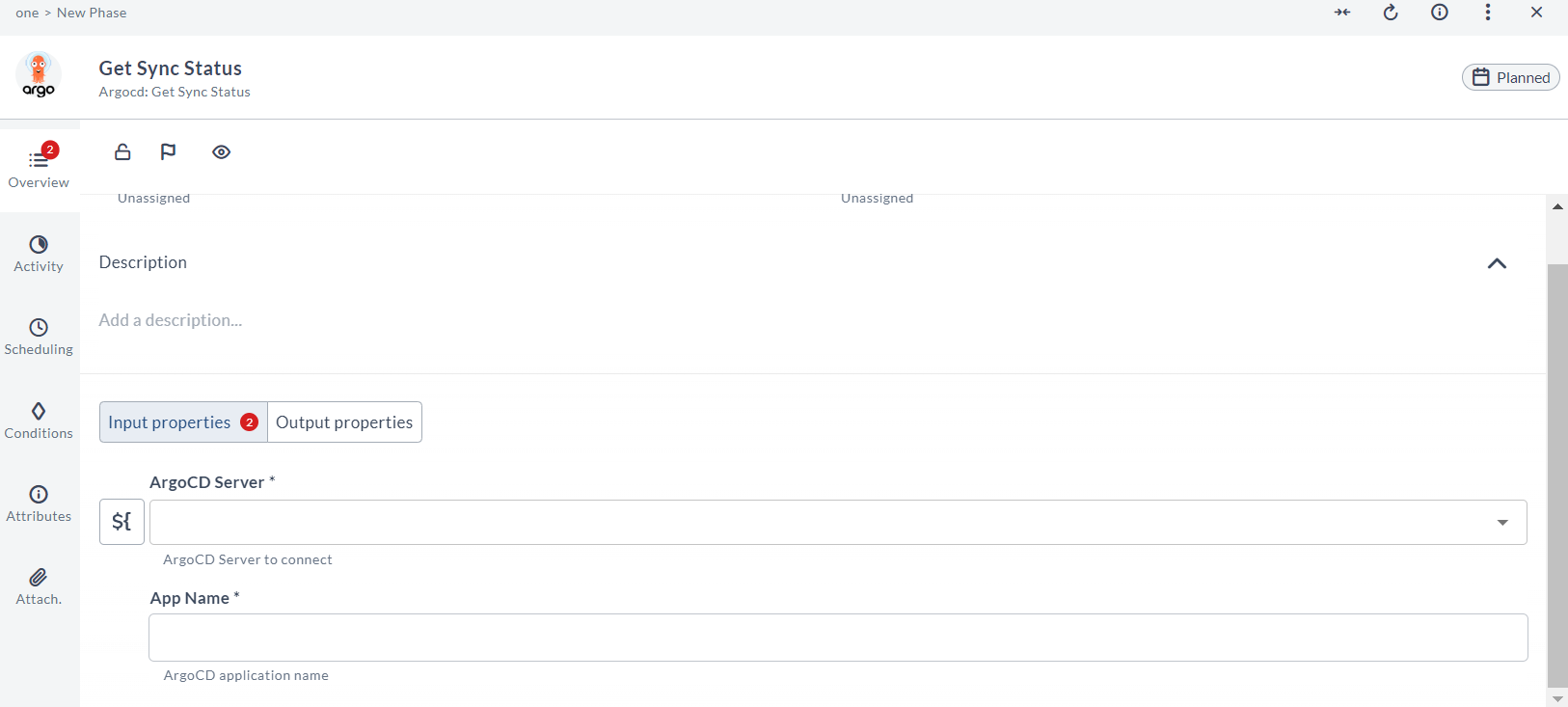
Get the sync status of an ArgoCD application
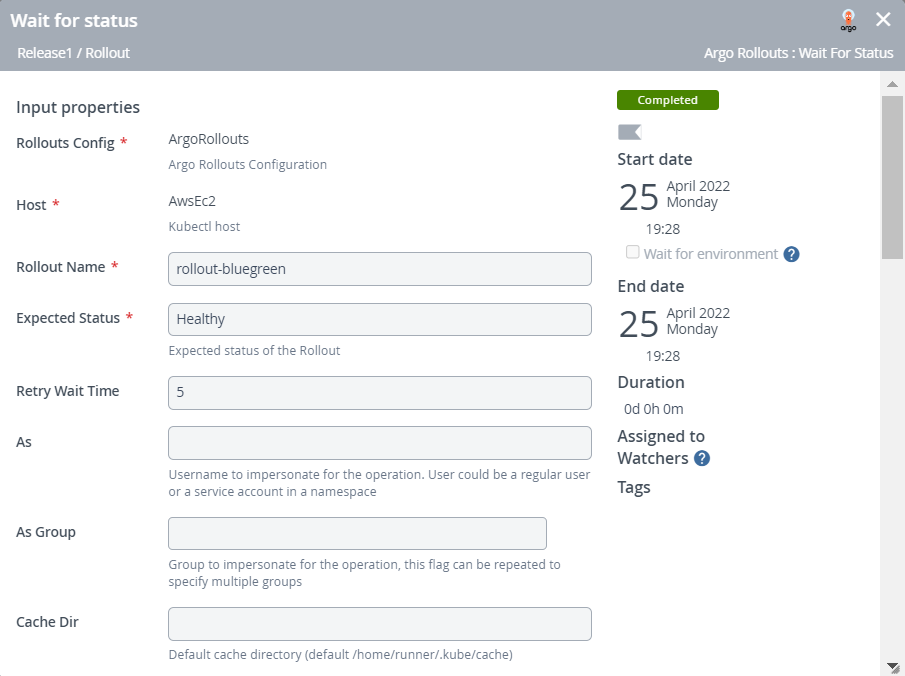
Wait for the status of an ArgoCD application
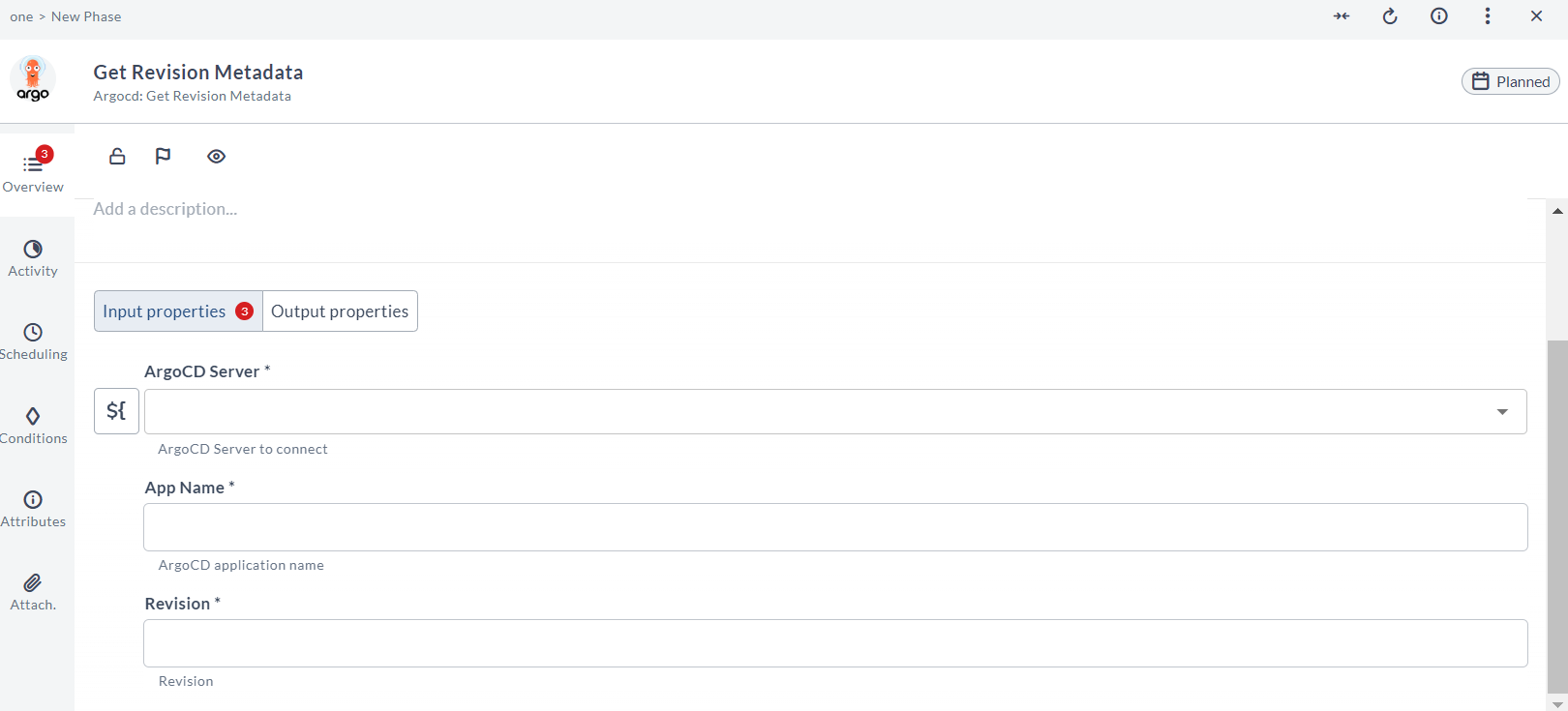
Get the revision metadata of an ArgoCD application
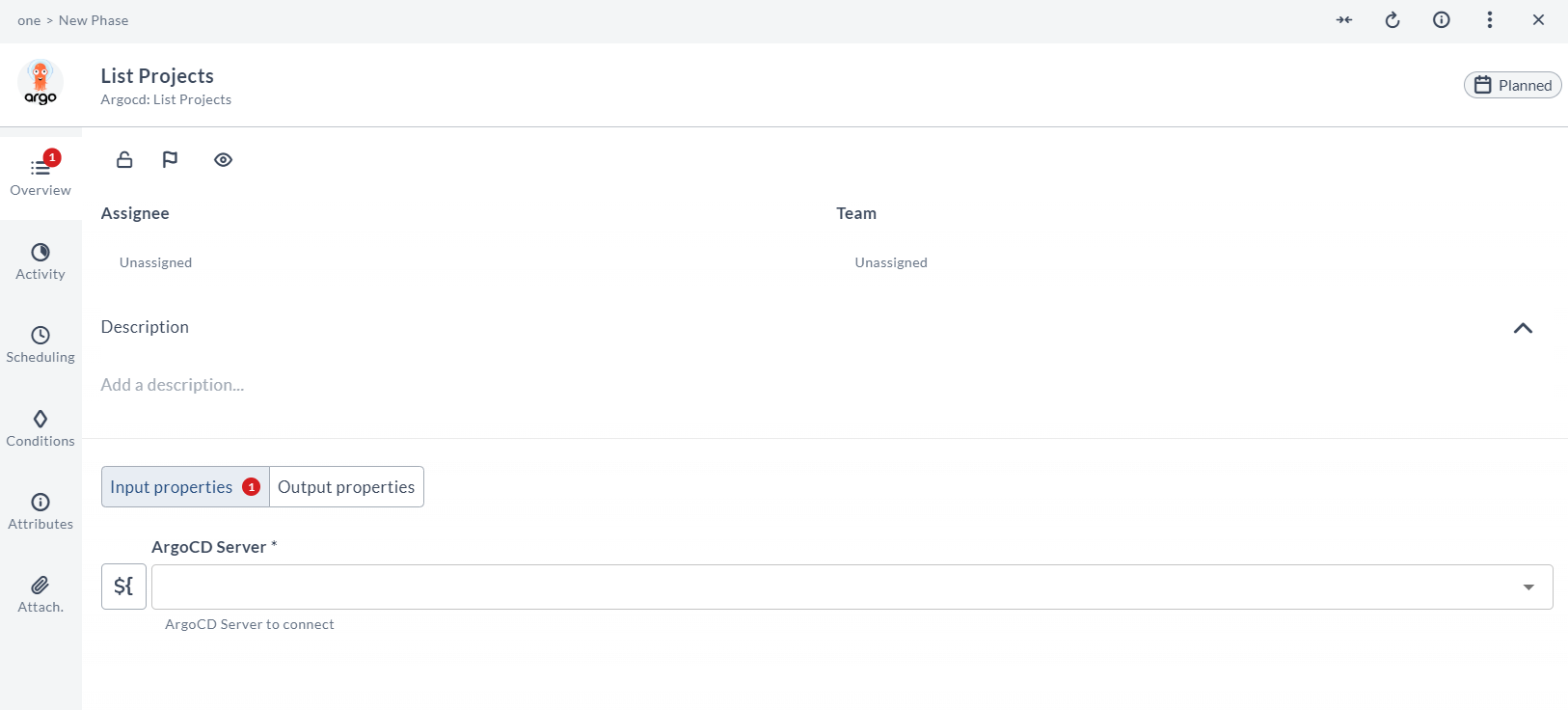
List ArgoCD projects
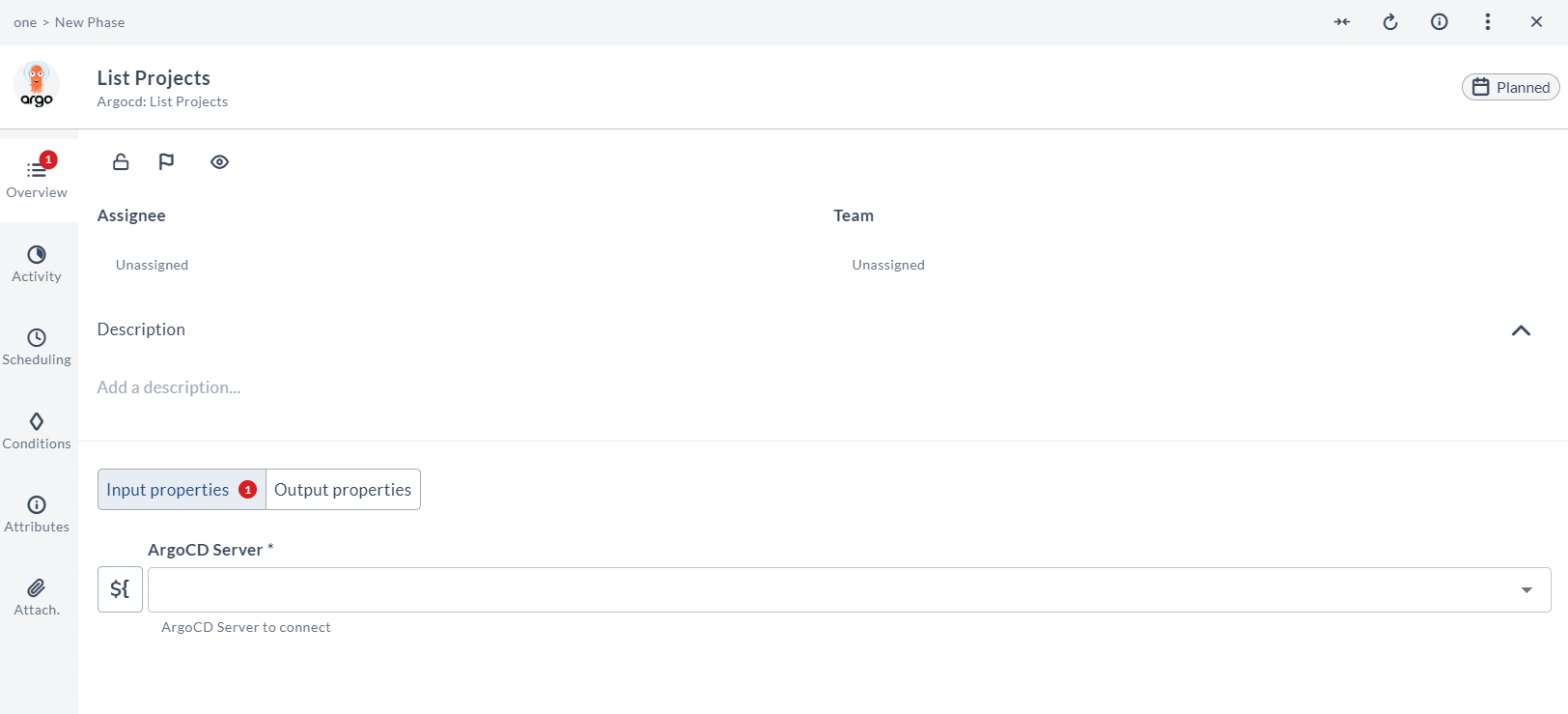
List ArgoCD repositories
Featured in guides
Supported In
 Release
Compatible With
Digital.ai support

We would be happy to help you!