

ArgoCD Release integration operates seamlessly on a remote runner, offering the capability to scale your application deployments. With ArgoCD Release, you can efficiently manage a wide range of functions across Projects, Applications, Clusters, Repositories, and Status tracking. This integration also includes a suite of automation tasks, enabling you to easily list, check status, create, update, and delete applications
Steps
argocd.APIServer:
container.RemoteTask:
container.RemoteScript:
argocd.ArgoTask:
argocd.SecureArgoTask:
argocd.CheckIfApplicationExists: Checks if the Argo CD application already exists
argocd.Version: Gets the version of the Argo CD application
argocd.ListRepositories: Lists all the Git repositories
argocd.GetRepositoryDetails: Gets the details of the Git repository
argocd.DeleteRepository: Deletes the repository in Git
argocd.CreateOrUpdateRepository:
argocd.CreateRepository: Creates a repository in Git
argocd.UpdateRepository: Updates the Git repository for the Argo CD application
argocd.ListProjects: Lists all the created Argo CD projects
argocd.ProjectDetails: Fetches the Argo CD project details
argocd.CreateProject: Creates an Argo CD project
argocd.DeleteProject: Deletes the Argo CD project
argocd.CreateOrUpdateApplication:
argocd.CreateApplication: Creates an application in Argo CD
argocd.UpdateApplication: Updates the application in Argo CD
argocd.ListApplications: Lists all the applications in Argo CD
argocd.SyncApplication: Synchronizes the application in Argo CD
argocd.RemoveApplication: Deletes the application in Argo CD
argocd.ApplicationInfo: Gets the details of the Argo CD application
argocd.CheckApplicationStatus: Checks the status of the Argo CD application
argocd.RollbackApplication: Rolls back the application in Argo CD
argo.StatusWebhookEventSource:
argocd.ApplicationSource:
argocd.DeploymentTarget:
argocd.DeploymentConfig: Application that makes up deployment in ArgoCD
argocd.Autoconfig:
argocd.Filter:
argocd.FiltersRequest:
argocd.Patch:
argocd.StatusRequest:
argocd.Transform:
argocd.Cleanup:
argocd.ApplicationNameLookup:
argocd.ApplicationHistoryIdLookup:
argocd.ProjectNameLookup:
argocd.TestConnection:
argocd.RepoUrlLookup:
argocd.HelmChartLookup:
argocd.RevisionLookup:
argocd.CheckResourceStatus: Periodically check the resource metadata for specific status
argocd.DeleteResource: Delete the resource inside ArgoCD application
Reference Images
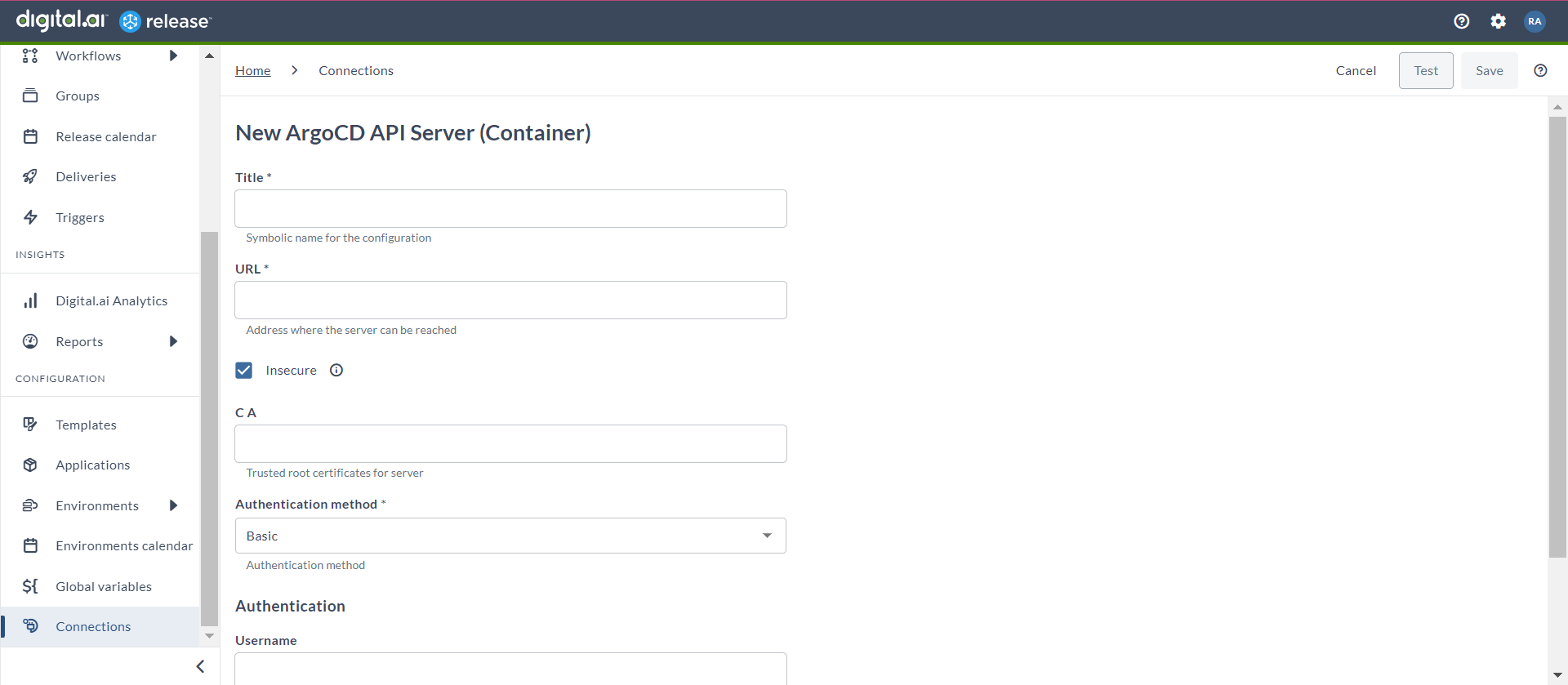
Set up a connection to the ArgoCD Server
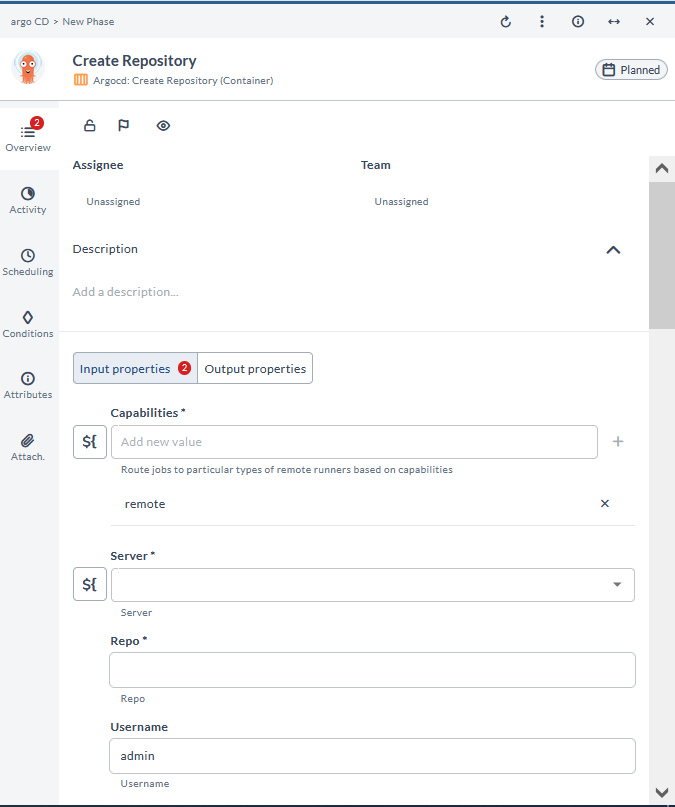
Add a git repository connection to ArgoCD
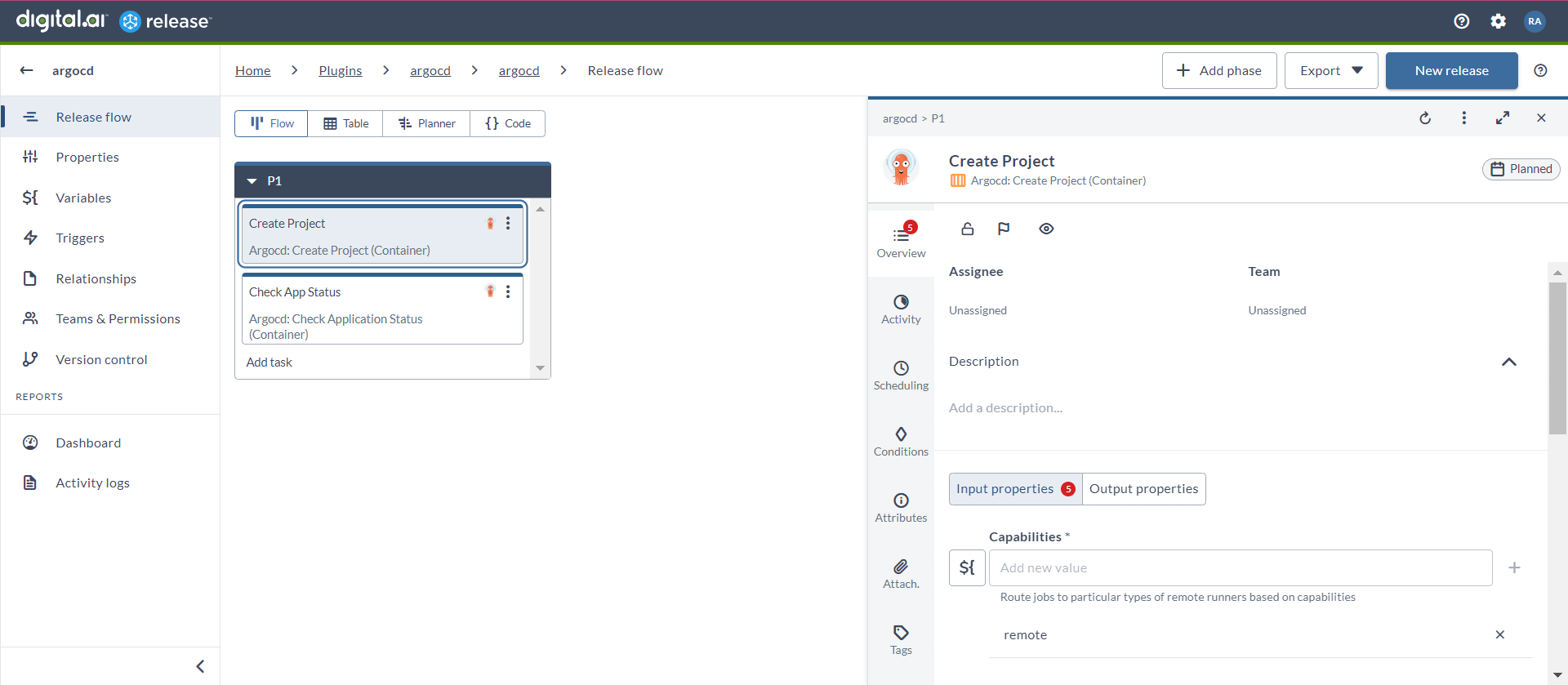
Create an ArgoCD Project
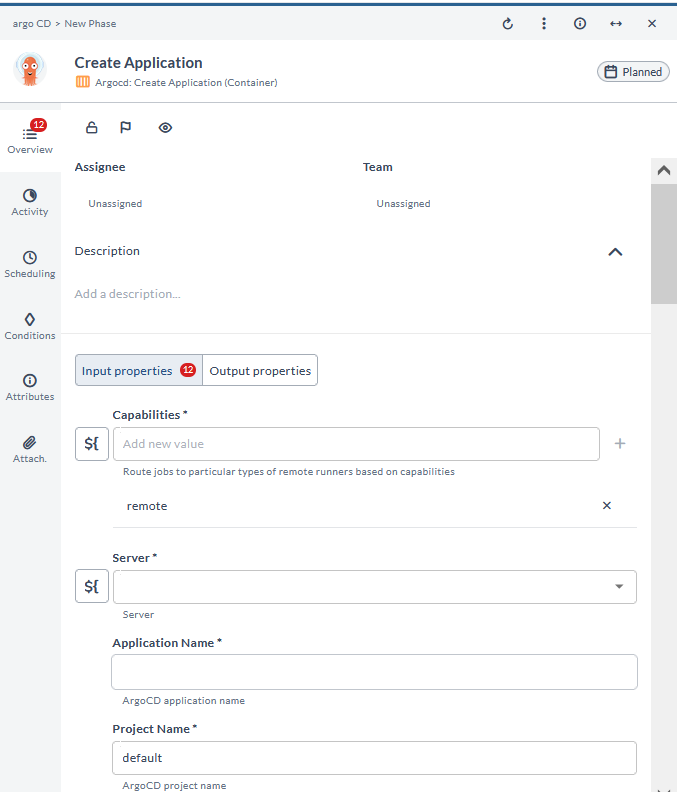
Create an ArgoCD application
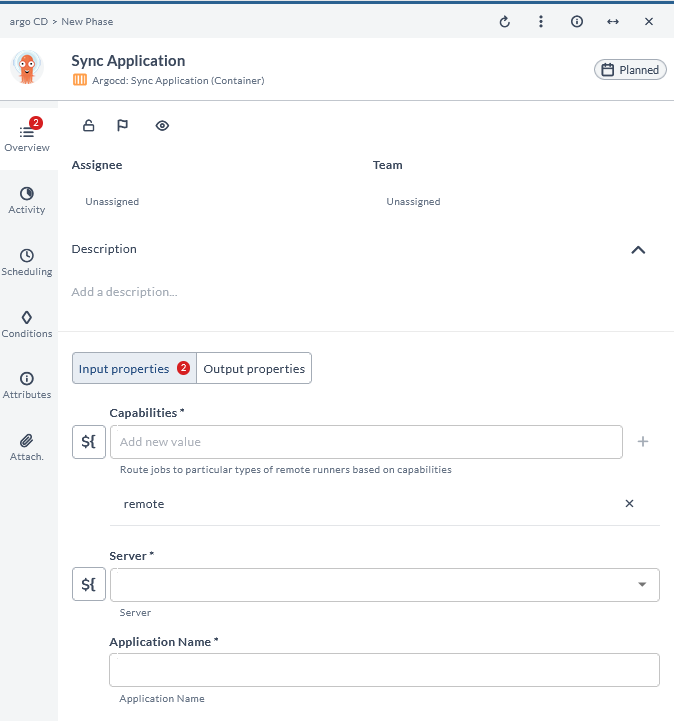
Sync an ArgoCD application
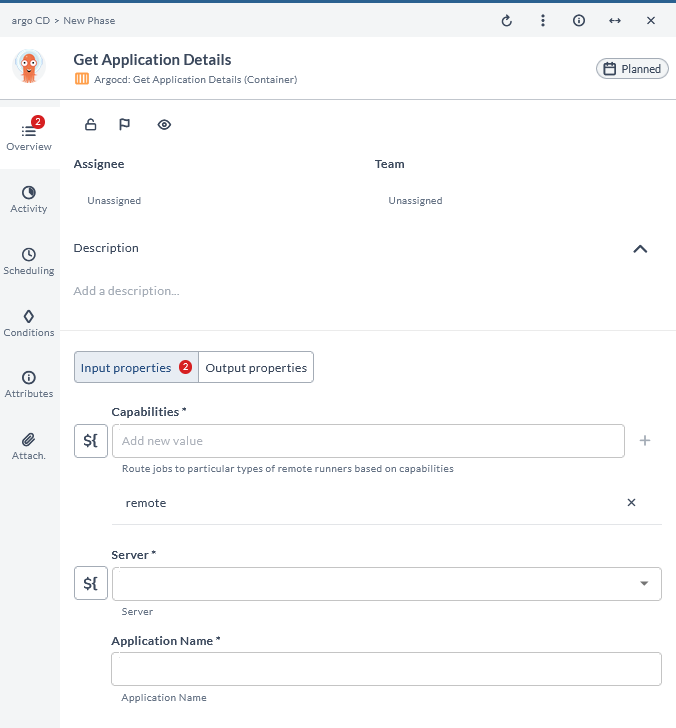
Get ArgoCD application details
Featured in guides
Supported In
 Release
Compatible With
Digital.ai support

We would be happy to help you!